- Your accountant is linked to your administration and can work alongside you.
- Their questions, reviews, and filings arrive in your Inbox.
Accept your accountant's invitation
Your accountant has prepared AirBill for you. With the invitation link you sign in, confirm your company, and you're up and running in minutes.
Your accountant emails or messages you an invitation link. Open it on your phone and tap Sign in to accept — Google, Apple, or your phone number all work. First time in AirBill? You’ll also see the one-time How AirBill uses AI screen.
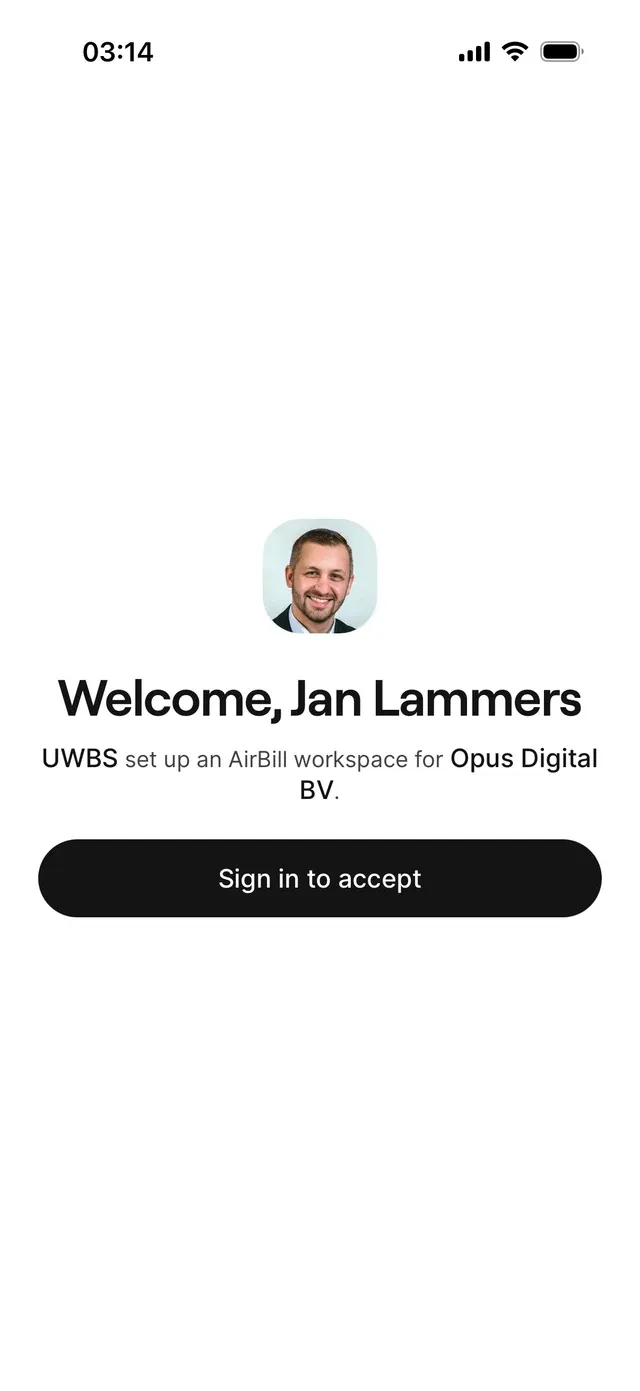
What happens after that depends on whether you already use AirBill.
New to AirBill
Your workspace is created for you. Bill then opens the setup chat with your company details already filled in by your accountant, so you only confirm them. You can connect your bank straight away or skip it — see Set up AirBill and connect your bank.
Already using AirBill
Nothing is connected automatically. You get a Connect with your accountant? screen explaining that the firm gains access to your existing administration. Choose Connect, or Not now if you’d rather wait.
What happens next
Common problems
Invitation expired
Invitation links are valid for a limited time. Ask your accountant for a fresh one.
You're already set up
If the invitation belongs to a different company than your existing administration, AirBill can’t merge the two. Ask your accountant to send an invitation for the right company.
Message: this account is an accountant account
Sign in with the account you use as a business owner — see Accounts created by your accountant.
Related articles
Can't find what you're looking for? Send us a message and we'll help you personally.
Contact support