The picker only shows documents that aren’t matched to another transaction and that fit the transaction’s direction. Check in the document center that it processed correctly.
Find transactions without a receipt
The Missing tab shows exactly which bank transactions still lack a receipt or invoice — so you can clear them one by one.
Tap the black + at the bottom and open the Missing tab. The number next to it is how many bank transactions — incoming and outgoing — still have no document.
Tap a transaction and you get three actions: Select existing document, Resolve without document, and Ask Bill. The first two resolve the transaction; Ask Bill isn’t available in this sheet yet and currently shows a “coming soon” message.
Match a document you already uploaded
Choose Select existing document. You’ll see your not-yet-matched documents, can search through them, and confirm with Match to selected document. Transaction and document then form one completed entry.
Resolve without a document
Really no receipt — bank fees, for example? Choose Resolve without document and confirm. The transaction leaves the list and counts as resolved, with a standard reason recorded automatically.
Want to record your own explanation? Open the entry from your Activity and resolve it there instead — see Resolve an entry without a document.
Receipt not uploaded yet
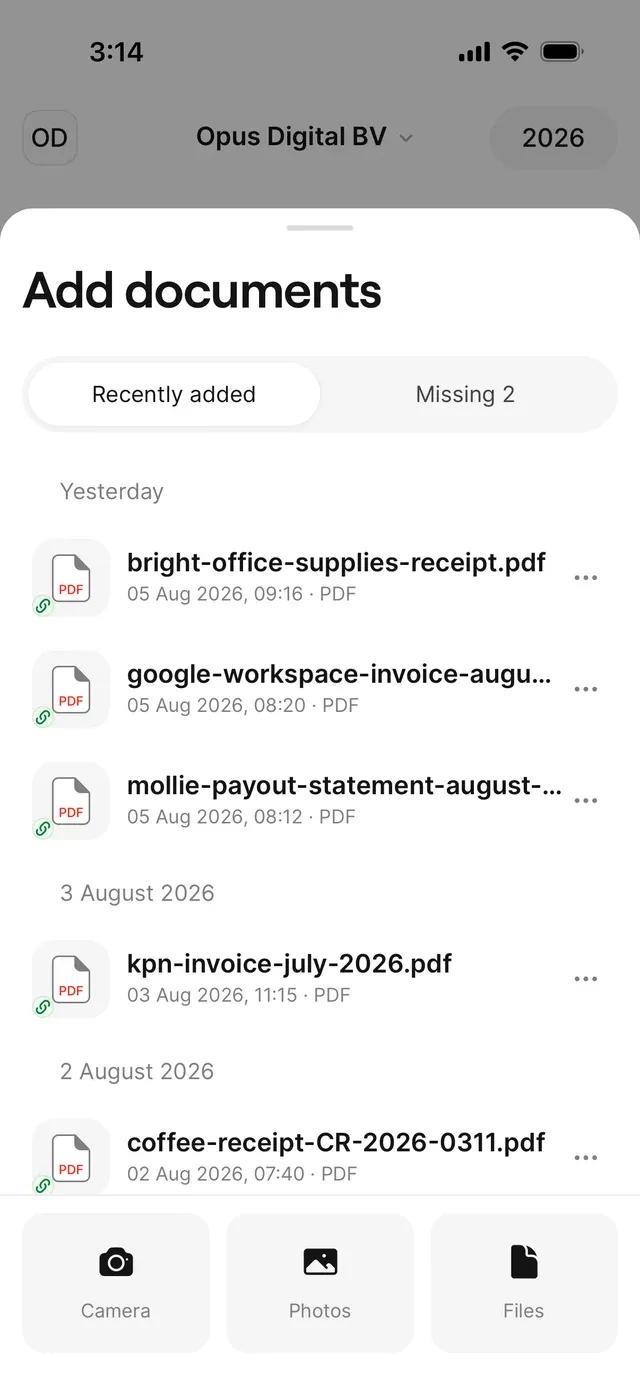
Upload it first via Camera, Photos, or Files. AirBill will probably match it automatically; if not, match it yourself from the Missing tab.
Common problems
Your document isn't in the picker
Resolved without a document by accident
Open the entry via your Activity and choose Undo resolution — the transaction returns to the list.
The Missing tab stays empty although you expect transactions
Check that your bank is connected and syncing via Profile → Connections.
Related articles
Can't find what you're looking for? Send us a message and we'll help you personally.
Contact support