Deleting your account is described in Delete your account. For access, correction, or export questions, use the support contact on the privacy screen.
Manage your profile and privacy
Your profile photo, the optional product-usage analytics you can switch off, and where to find AirBill's privacy policy, terms, and support.
Your name and photo sit at the top of Profile. Tap the picture to change your profile photo; if your name isn’t filled in yet, AirBill prompts you with Add your name in the same spot. This is your personal profile — your company details live under Company info and belong to the business rather than to you.
Helping improve AirBill
Help improve AirBill, under the preferences, controls whether AirBill sends optional product-usage analytics. Turning it off doesn’t limit anything you can do in the app; it stops AirBill sending further analytics from here. It isn’t a request to erase information already collected — for that, use the privacy contact below. What the analytics contain and how long they’re kept is described in the published privacy policy.
Privacy policy, terms, and support
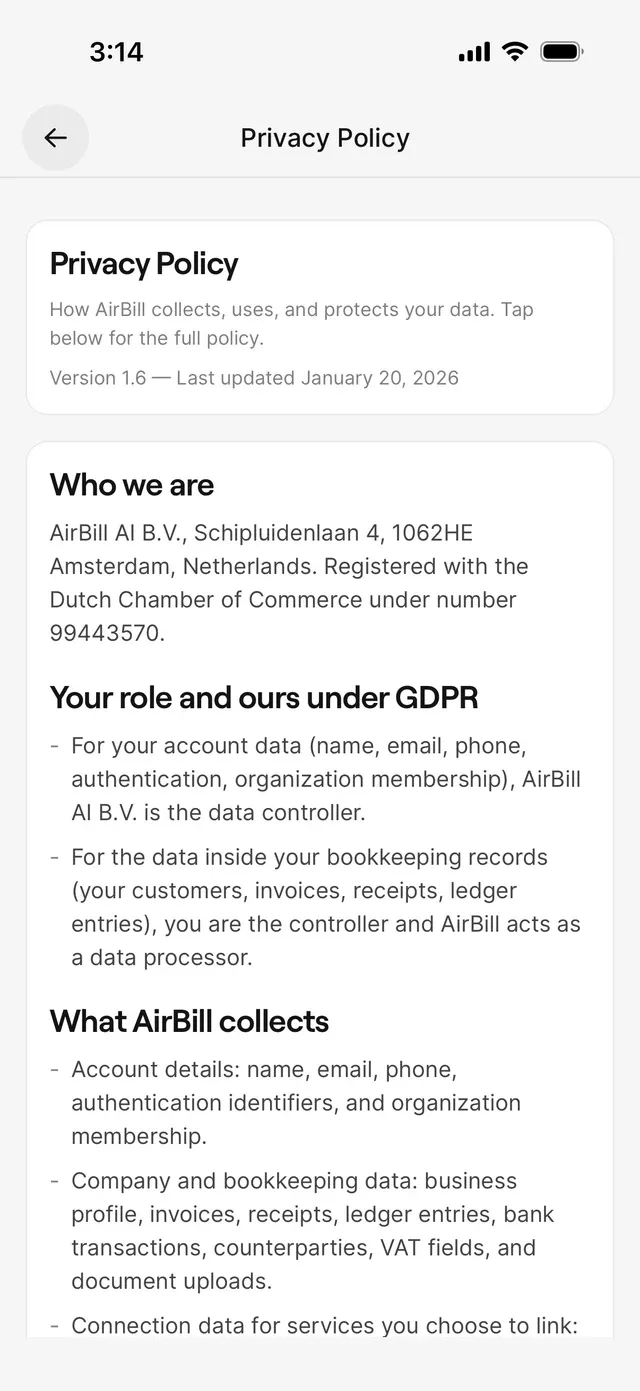
The About section at the bottom of Profile holds Privacy Policy, Terms of Service, and Support. The first two are summary screens with a button that opens the published document; for anything that actually binds, read the published policy and terms rather than the in-app summary.
Support starts an email to AirBill support. Including your account email or phone number and the business name saves a round trip.
Common problems
You want your data removed
Your profile photo won't update
AirBill reports an upload failure if the photo couldn’t be saved. Try again with a different photo or on a better connection.
Related articles
Can't find what you're looking for? Send us a message and we'll help you personally.
Contact support